

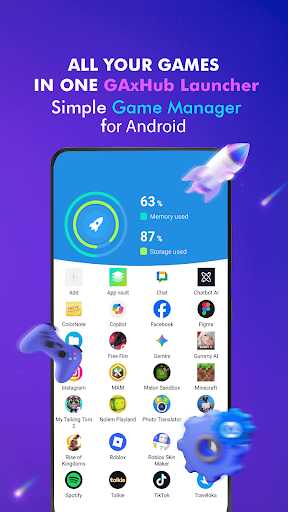
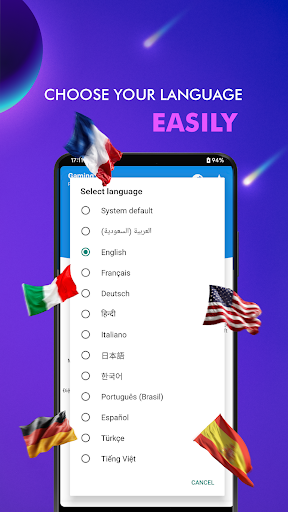
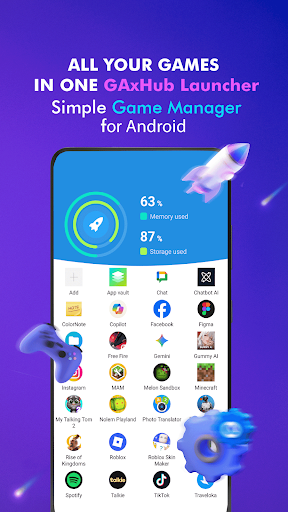
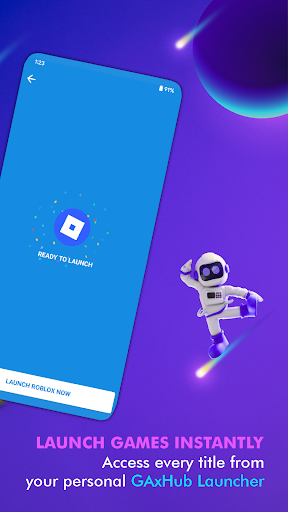
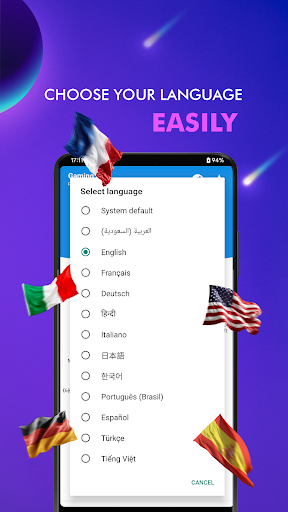
Gax Gaming Hub: Game Launcher is an app designed to centralize and manage your collection of games and other applications. It provides a dedicated game space where users can organize their installed titles, making them easily accessible from a single interface. The app aims to simplify the process of finding and launching games by grouping them into an organized folder system, acting as an independent alternative to factory-installed game launchers.
Centralized Game Management
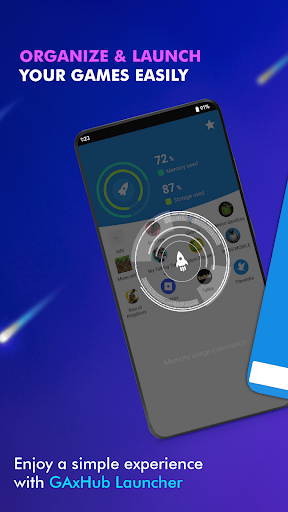
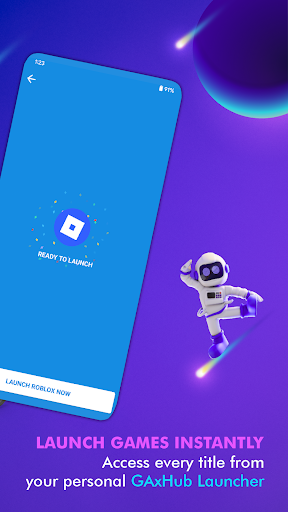
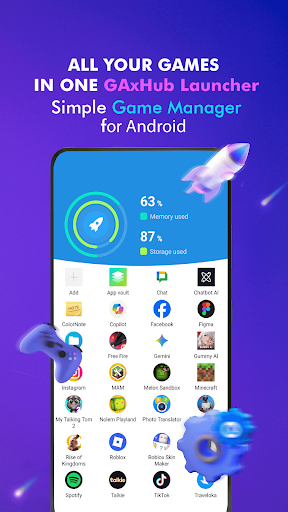
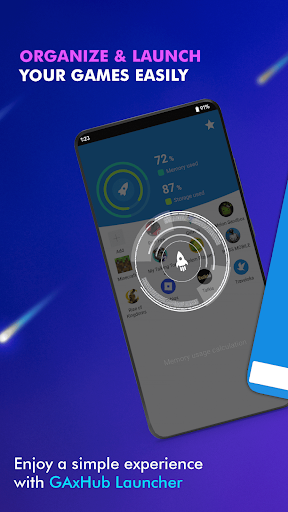
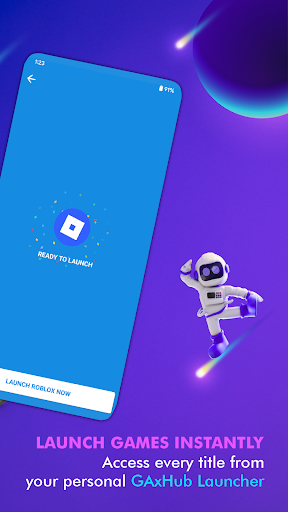
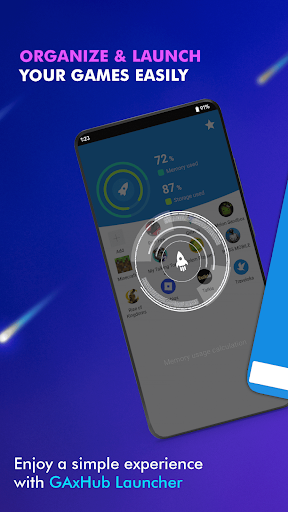
This app serves as a custom gaming hub, allowing you to bring together your entire collection of installed games into one organized folder. It includes a Smart Game Launcher feature that enables users to group their favorite games and other applications, facilitating quick and instant launching directly from the hub’s interface.
Automatic Organization and Manual Addition
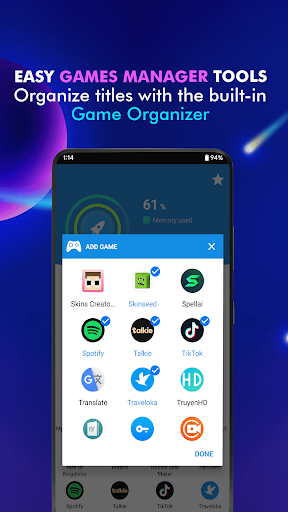
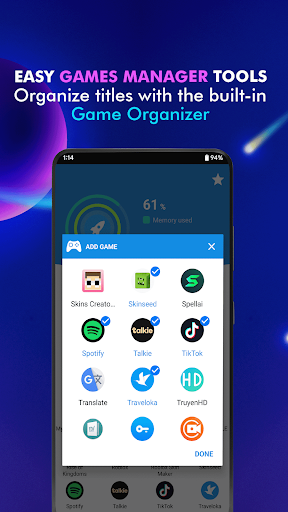
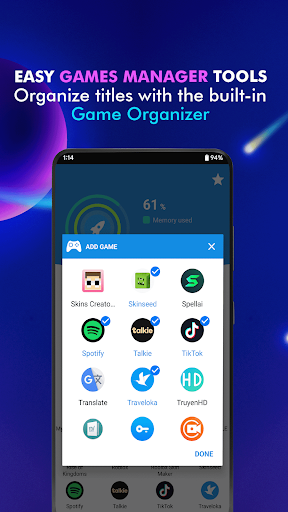
The app features an Automatic Game Organizer that can detect installed games from various publishers and group them into your personalized game space library. If certain titles are not automatically detected, users also have the option to manually add their favorite games to their custom game space. Once organized, launching a game is done by simply tapping its icon within the app.
Device Performance Overview
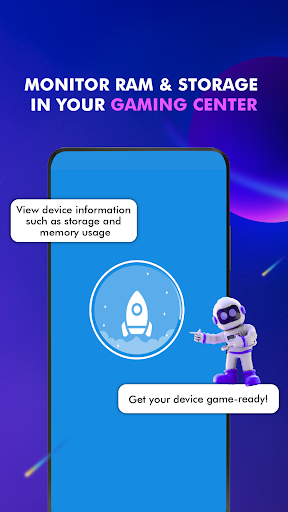
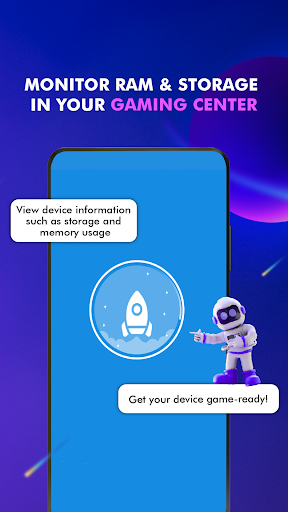
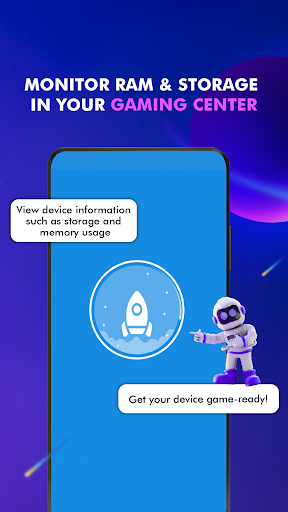
Before launching a game, Gax Gaming Hub offers a Device Performance Monitor. This tool allows users to quickly check their current RAM usage and track the storage status of their device directly from within the custom game hub. This provides a brief overview of device resources without leaving the app.
Important Considerations
It is important to note that Gax Gaming Hub acts purely as an organizational utility and a custom app launcher. It is not designed to function as a game booster; it does not directly optimize hardware, alter system settings, increase frame rates (FPS), or enhance mobile performance. Furthermore, this app is a third-party alternative and is not the pre-installed Gaming Hub or stock Game Launcher software developed by specific smartphone manufacturers. Recent updates have focused on improving stability, addressing a crash on the scan results screen, and reducing background activity to save battery and prevent app not responding issues.



Write a review